
How To
How to Make Clothes on Roblox in 5 Easy Steps

- February 12, 2021
- Updated: July 2, 2025 at 4:13 AM
Roblox isn’t merely about running around building theme parks, harvesting farms, or running away from a monster pig. Whether you’re playing on Windows or Android, you can fashion-up by designing new clothing. That’s right! You can make your own shirts, leggings, and shoes for your Avatar.
How to Make Clothes on Roblox
Before you can start making clothing on Roblox, you’ll need to design a template. Here are the steps you’ll need to follow.
Step 1: Download a template
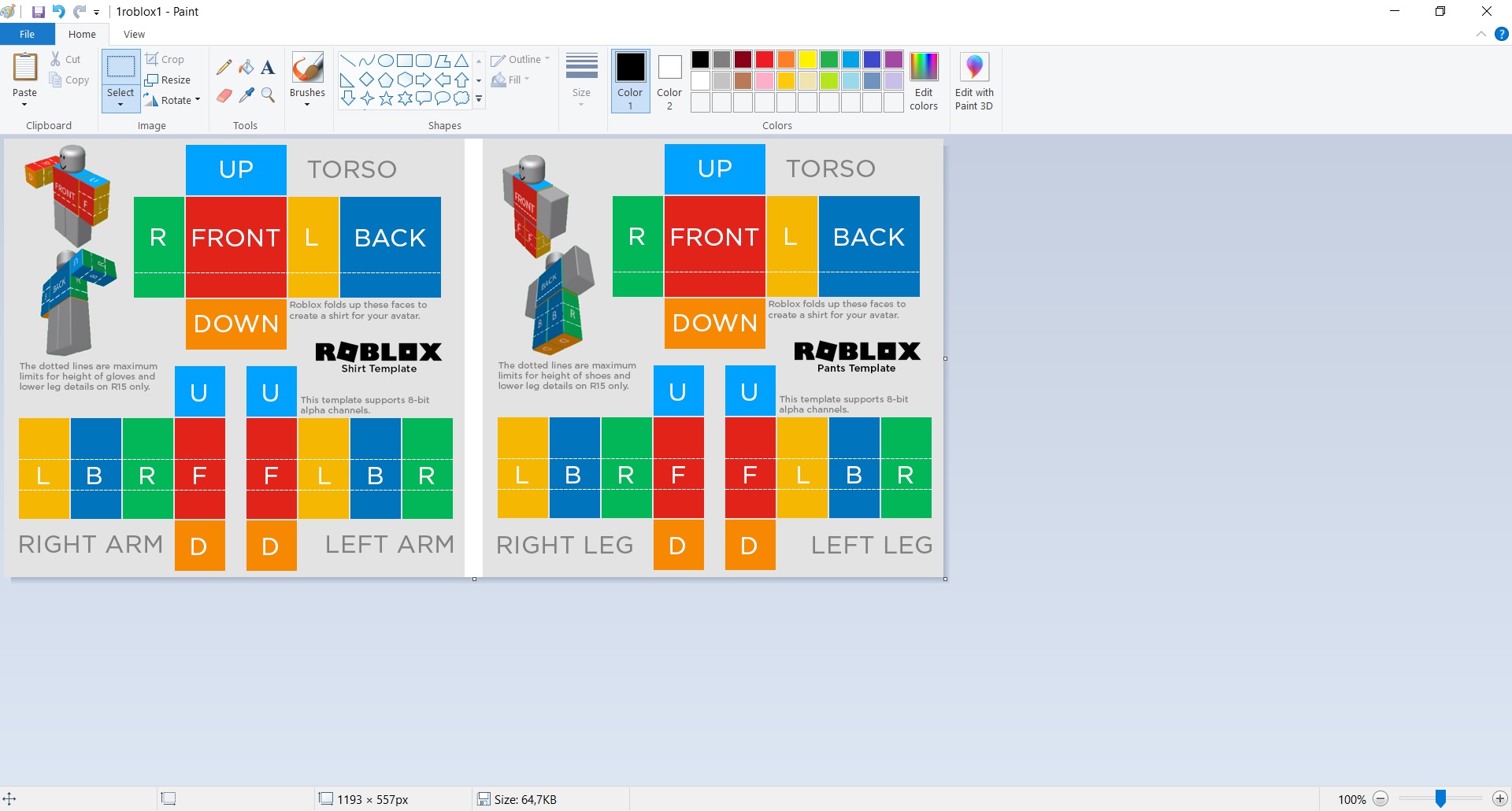
You’ll need to find and download a template for shirts and pants that wrap around the character’s body. Once you find the correct one, you can right-click on it and select “Save As”. Remember to save a format that you can edit.

Step 2: Open the template
With the template on your computer, open it with a program of your choosing. If you have an advanced photo editor like Photoshop, you’ll have several tools at your disposal. However, you can also use free editors like Paint or the free trial of PaintTool SAI.
Step 3: Edit the design
You can now freely design your Roblox clothes. Pay close attention to how the blocks fold over for when it wraps around your Avatar. If you draw something too long or short, it will look out of place, and you’ll have to start again.
Step 4: Test your Roblox clothes
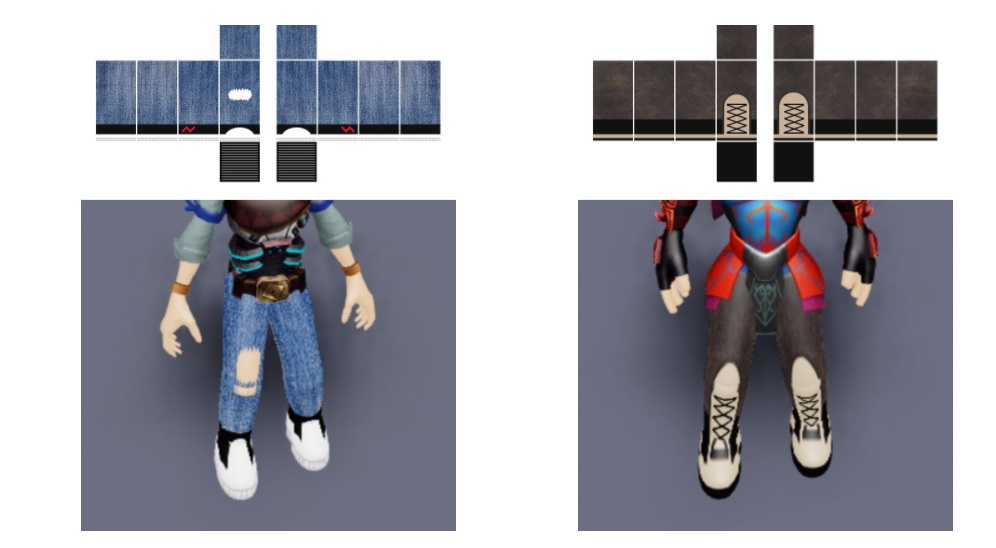
The time has come for you to test your clothes. To do so, you’ll have to follow these steps:
- Open Roblox Studio, head to Plugins, and click on Build Rig;
- Select a rig, which will show you a blank Avatar;
- Go to Workspace, click on Dummy+, and select Shirt or Pants;
- Head to the appropriate clothing and associate it in the Properties window;
- Save the rig when you’re satisfied.

Step 5: Upload clothing to Roblox
Now that you’ve tested your Roblox clothes, you can upload them. Here’s the process:
- Head to Create;
- Select T-Shirts, Shirts or Pants;
- Pick Choose File, and select your 585 x 559 px image document;
- Name the item, and select Upload.
The trending tailor
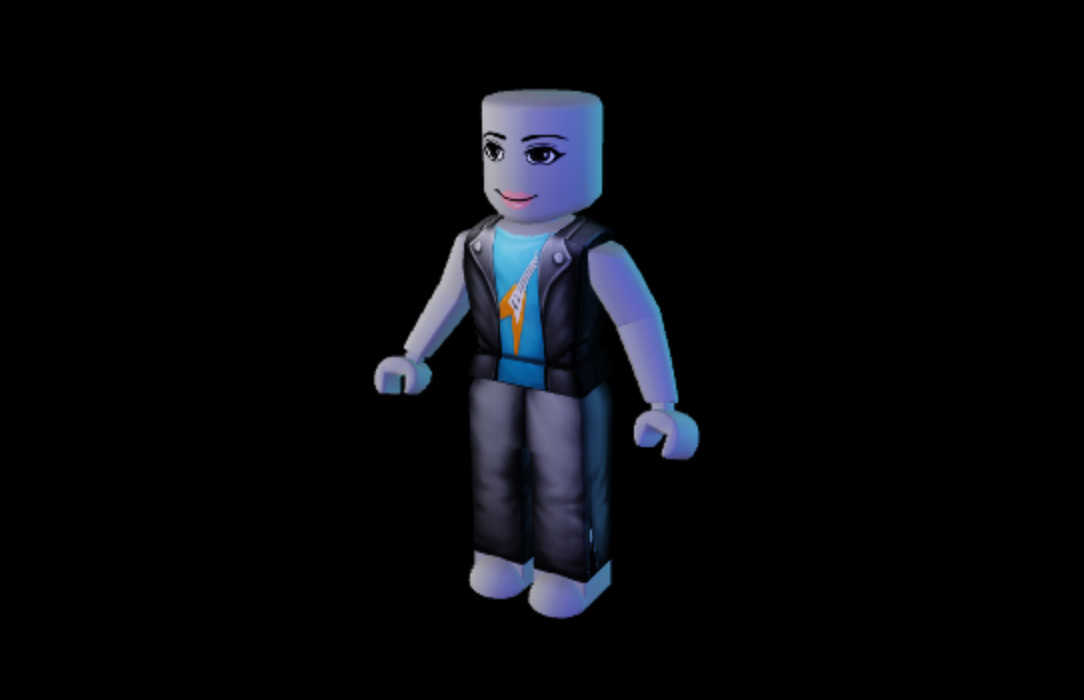
Now that you’ve learned how to make clothes on Roblox, you can equip your Avatar or sell it to your friends. Remember to check out our Basic Guide to Roblox for more tips.
Choose Softonic on Google and you'll see more of our articles in Top Stories, AI Overviews and AI Mode.
Latest from Shaun M Jooste
You may also like
 News
GTA 6 is already the Game of the Year favorite: 89% odds on Polymarket
Read more
 News
Magic: The Gathering confirms Dimension cards for 2027: Star Trek gets actor-signed cards
Read more
 News
One Piece now looks set to continue beyond 2030: Oda updates the timeline
Read more
 News
Under Story is now a GMA Book Club pick: Chloe Benjamin’s novel is out
Read more
 News
Ubisoft reportedly has two more Assassin’s Creed games in the works: Ancient Rome and Jerusalem
Read more
 News
Green Room is now free on Tubi: Patrick Stewart’s darkest role
Read more