
How To
How to Fix ROBLOX Error Code 267 in 7 Steps

- February 9, 2021
- Updated: July 2, 2025 at 4:14 AM
ROBLOX has become a fan-favorite for gamers worldwide, whether they’re playing on Windows or Android. One of the most frustrating online gaming elements is receiving error messages, destroying your fun while you’re running around like a unicorn in a theme park, or being chased by Piggy.
For today’s educational entertainment, we’re going to show you how to fix ROBLOX Error Code 267.
What is ROBLOX Error Code 267?
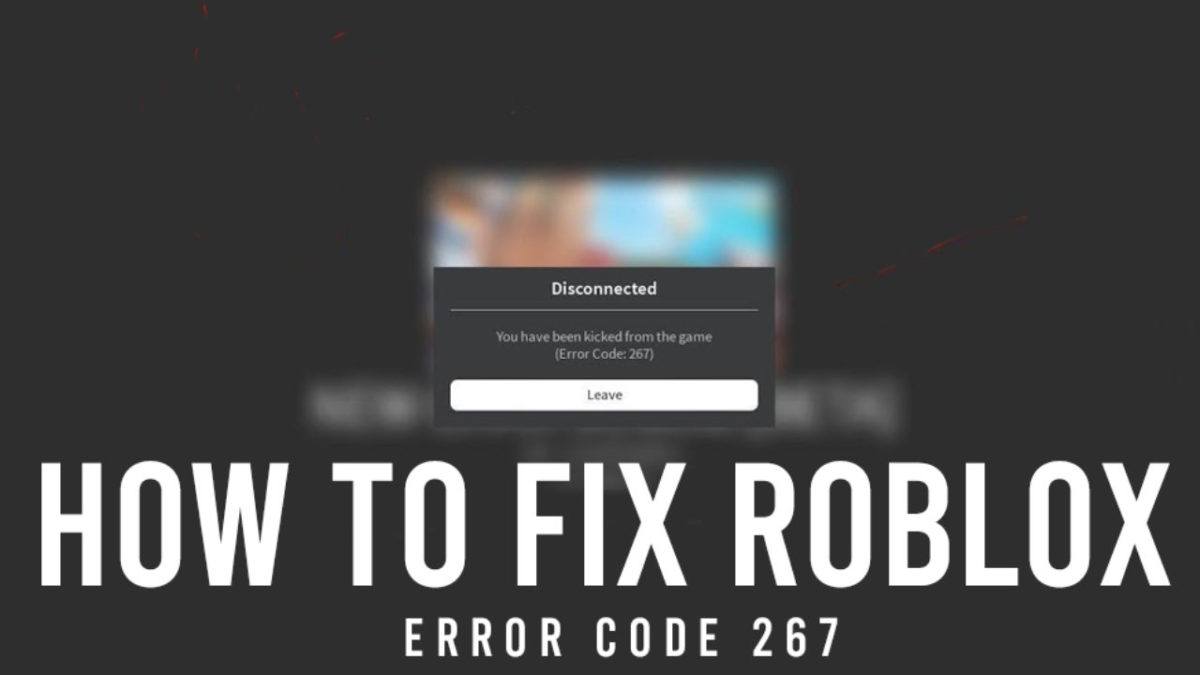
ROBLOX Error Code 267 happens when a game kicks you out of a server. In most cases, it could be a developer insert script that they shouldn’t or your account is too young for the server you entered. However, there could be a different issue behind it that you can fix following one of the steps below.
How to Fix ROBLOX Error Code 267
Feel free to try one of these steps below to fix ROBLOX Error Code 267.
Step 1: Check the server connection
The error might actually be with the ROBLOX server. Do yourself a favor and ensure that it’s up and running before you approach any of the other steps.

Step 2: Update your browser
Sometimes, the issue is with an outdated browser. Check the settings to ensure that you have the latest version, updating it if you don’t.

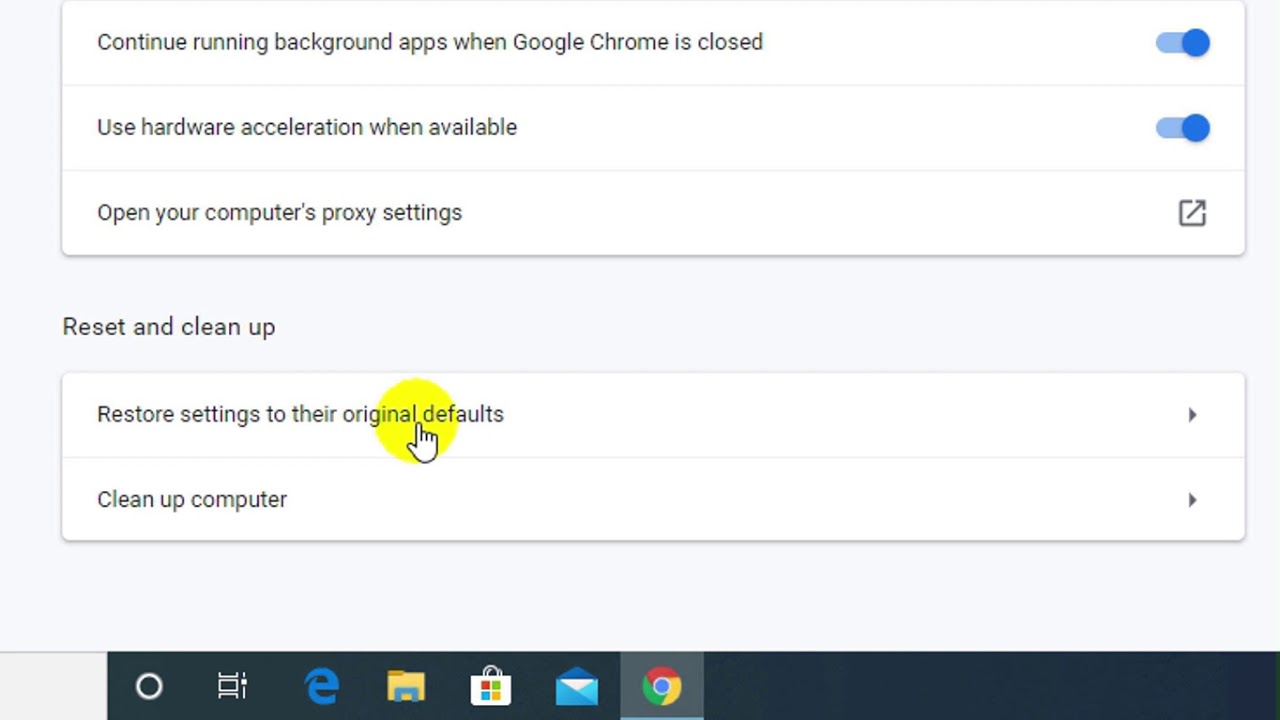
Step 3: Reset browser settings
If that doesn’t work, head into your browser settings and reset it. It should restore the default version with all add-ons removed. Once completed, restart ROBLOX and test a game server.
Step 4: Update ROBLOX
Your problem might be with an outdated ROBLOX version. Always ensure that you update to the latest version to avoid issues of this kind.
Step 5: Reinstall ROBLOX
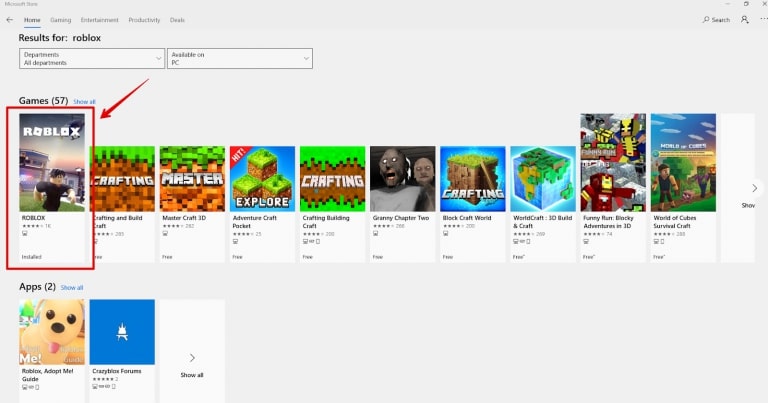
If none of the above steps help, consider reinstalling ROBLOX. All your settings and saved files will be there when you return. In essence, this step removes any bad or corrupt files and gives you a fresh start.
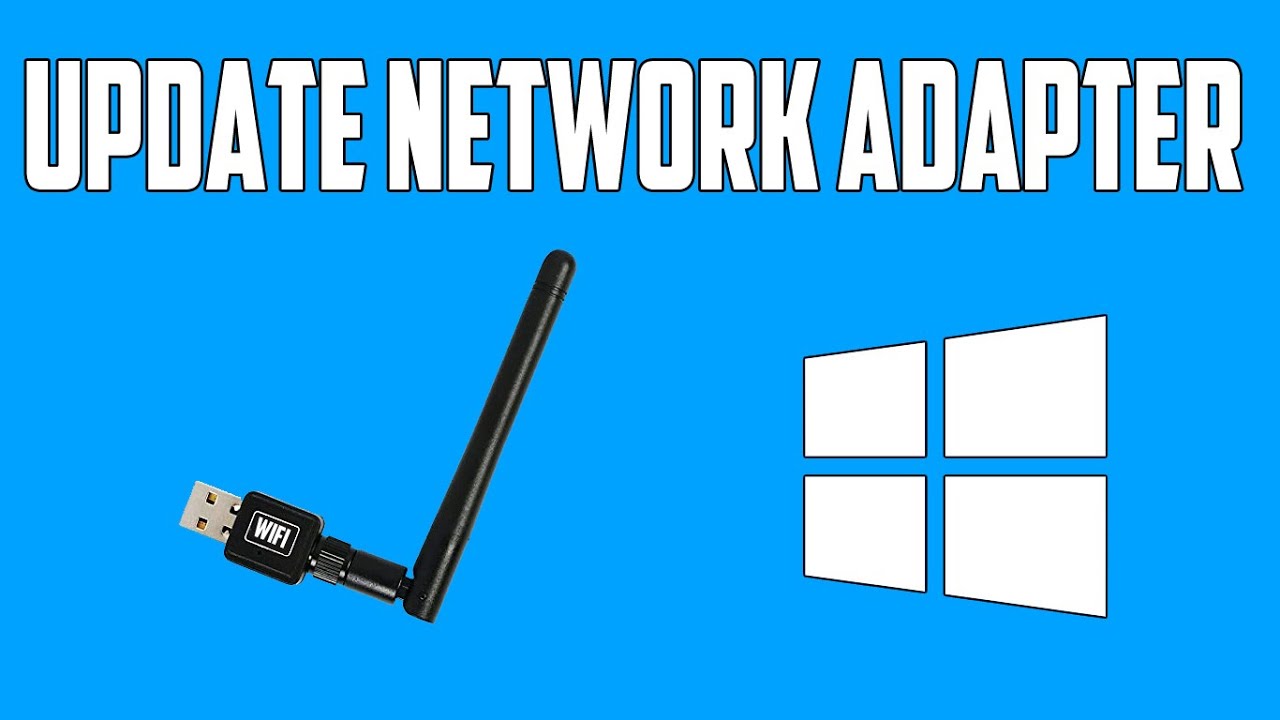
Step 6: Update network drivers
Your computer’s network drivers also need to remain up to date for online games to function effectively. Have a look to ensure you have the latest versions.
Step 7: Contact Support
When all else fails, contact Roblox’s support to see if they can discover the underlying issue.

Heading back to basics
While ROBLOX is incredibly fun for children and adults alike (don’t pretend you’re not playing it, parents), encountering issues like this can be incredibly annoying. We hope we’ve helped you resolve it, and you can get back to your pixel gameplay.
Choose Softonic on Google and you'll see more of our articles in Top Stories, AI Overviews and AI Mode.
Latest from Shaun M Jooste
You may also like
 News
GTA 6 is already the Game of the Year favorite: 89% odds on Polymarket
Read more
 News
Magic: The Gathering confirms Dimension cards for 2027: Star Trek gets actor-signed cards
Read more
 News
One Piece now looks set to continue beyond 2030: Oda updates the timeline
Read more
 News
Under Story is now a GMA Book Club pick: Chloe Benjamin’s novel is out
Read more
 News
Ubisoft reportedly has two more Assassin’s Creed games in the works: Ancient Rome and Jerusalem
Read more
 News
Green Room is now free on Tubi: Patrick Stewart’s darkest role
Read more